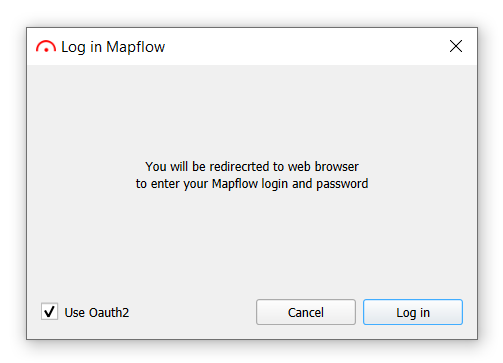
1. Select the Use OAuth2 option in the login window
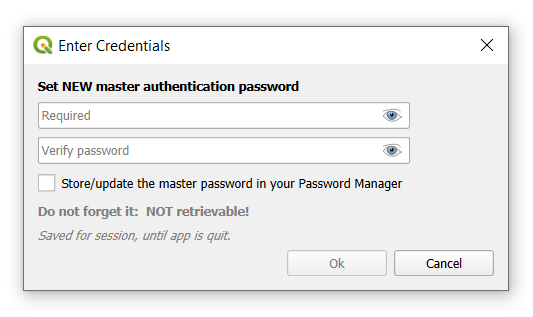
2. Set the master password
You will be prompted to set a new master authentication password - qgis feature to ensure the security of sensitive information storage.
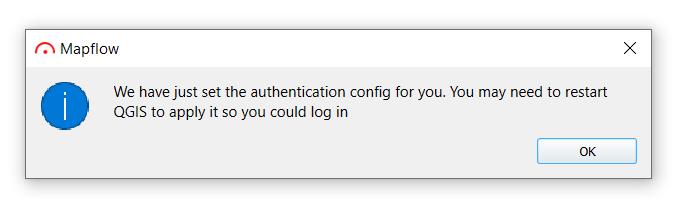
3. Click Log in button
You will receive the following message, restart QGIS before the next steps.
4. After restarting QGIS, click Log in
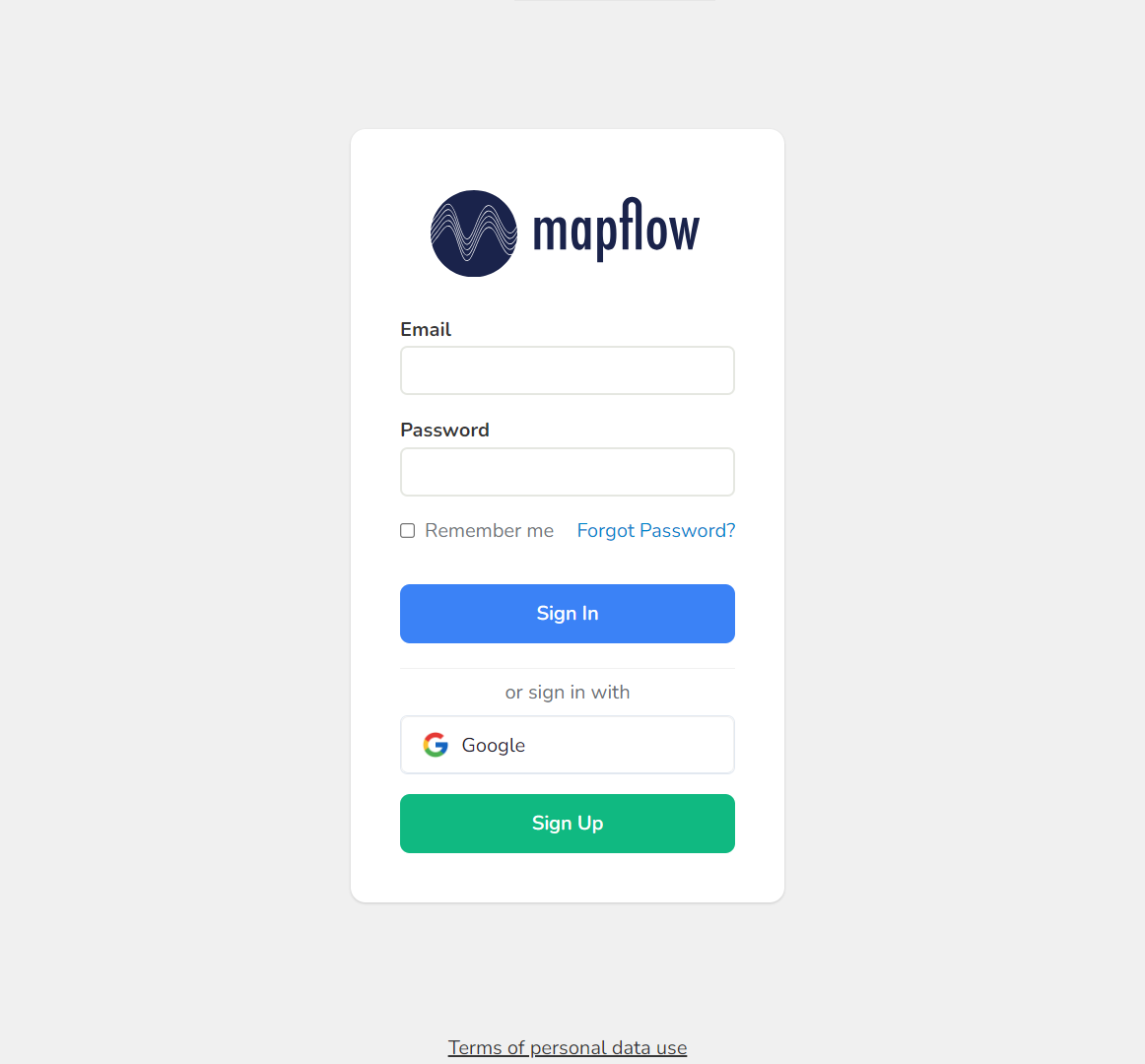
You will be redirected to the browser to log in/register in the mapflow system:
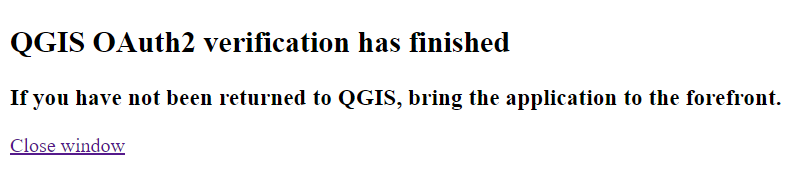
After successfully logging in, you will receive a message about the successful verification of QGIS OAuth2:
Note
You can close this page
5. Go back to QGIS
OAuth login completed!
Important
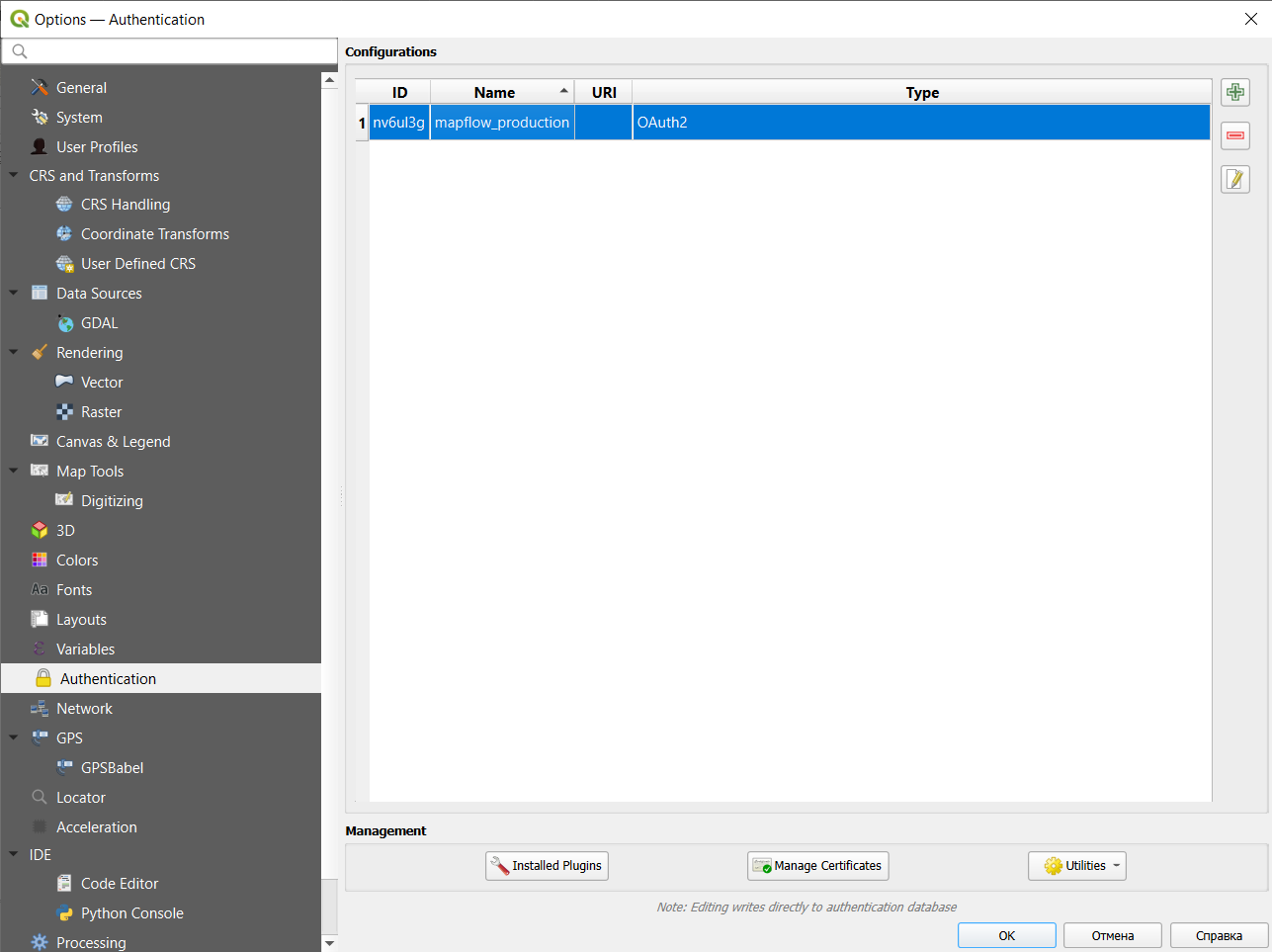
If you have problems with authorization, you can delete the current authentication config by going to Settings -> Options -> Authentication, select the config and remove it: